Salon Business Automation: 7 Tasks You Should Stop Doing by Hand Today
 Scott Farmer
·
April 14, 2026
·
9 min read
Scott Farmer
·
April 14, 2026
·
9 min read
Quick Answer: Which salon tasks should I automate instead of doing by hand?
Automate the seven tasks that make no money: appointment reminders, social media posting, inventory tracking, follow-up emails, rebooking nudges, payroll math, and review requests. This saves the average stylist 8 to 12 hours a week. Spending $50 to $100 a month on the right tools reclaims enough time to book 6 to 10 extra appointments, worth $570 to $950 at a $95 ticket.
TL;DR

Salon business automation saves the average stylist 8-12 hours per week on tasks that make zero money: appointment reminders, social media posting, inventory tracking, follow-up emails, rebooking nudges, payroll math, and review requests. Additionally, a solo stylist spending $50-$100/month on the right tools reclaims enough time to book 6-10 extra appointments per week. At a $95 average ticket, that’s $570-$950 in new revenue from time you already have. Start with the three free automations in this post, then layer in paid tools as your chair revenue grows.
You didn’t go to cosmetology school to spend your Tuesday night copying client emails into a spreadsheet.
But here you are. It’s 9 PM. However, you’re sending appointment reminders one by one, updating your Instagram, trying to remember who needs a rebooking text, and hand-calculating booth rent splits. Meanwhile, the stylist two chairs down went home at 6 because she automated all of it three months ago.
Salon business automation isn’t about replacing yourself. As a result, it’s about stopping the $0/hour tasks that eat the hours you could spend behind the chair making real money.
I spent years doing everything manually at JScott Salon. Every reminder. Every follow-up. In practice, every end-of-month number crunch. When I finally automated just three things, I got back 9 hours a week. That was enough time to book 7 more clients. At my average ticket, that added $665 to my weekly take-home. Same chair. Same hours. Just smarter systems.
What Salon Business Automation Actually Means
Salon business automation is any system that handles a repeatable task without you touching it. That said, it’s not AI writing your captions (though it can do that too). It’s the basics:
- A client books online and gets a confirmation text. You never see it.
- 24 hours before the appointment, they get a reminder. You never send it.
- After the appointment, they get a review request. You never ask.
- Their rebooking window hits 6 weeks and they get a nudge. You never check.
Every one of those used to take you 2-3 minutes per client. For example, multiply that by 25 clients a week. That’s over an hour of unpaid admin work, just on reminders and follow-ups.
The Real Cost of Manual Work
Here’s the math most salon owners never do.
| Manual Task | Time Per Week | Hourly Value Lost |
|---|---|---|
| Appointment reminders | 1.5 hours | $142 |
| Social media posting | 3 hours | $285 |
| Follow-up emails/texts | 1 hour | $95 |
| Inventory tracking | 1 hour | $95 |
| Review requests | 30 min | $47 |
| Rebooking nudges | 1 hour | $95 |
| Payroll/booth rent math | 1 hour | $95 |
| Total | 9 hours | $854 |
That’s $854 per week in time you could spend making money, based on a $95/hour chair rate. In fact, over a month, you’re leaving $3,416 on the table by doing tasks a $50/month tool handles better than you do.
7 Salon Tasks to Automate Right Now
Automation runs on top of solid SOPs. Overall, write the steps down before you let software run them. Then layer in the right AI tools and the booking platform that fits your business.
1. Appointment Reminders and Confirmations
This is the easiest win. Because of this, every modern booking platform sends automatic confirmations and reminders. If you’re still texting clients the night before their appointment, you’re burning 6-8 hours per month on something a free tool does in the background.
Tools: GlossGenius ($24/mo), Fresha (free), Vagaro ($25/mo), Square Appointments (free tier)
What to automate: Confirmation at booking, reminder 24 hours before, reminder 2 hours before. Set it once. Ultimately, never think about it again.
No-show rates drop 30-50% with automated reminders. Instead, that alone pays for the tool.
2. Social Media Scheduling
Posting to Instagram at 6 PM every day while you’re cleaning up the station isn’t a growth strategy. It’s a chore. Of course, batch your content once a week. Schedule it. Let the tool post for you.
Tools: Buffer (free tier), Later ($16.67/mo), Planoly ($13/mo)
What to automate: Post scheduling for Instagram, Facebook, TikTok. Even so, batch 7 posts on Sunday. The tool publishes them throughout the week at peak engagement times.
One of the stylists in our community went from posting 2-3 times a week to daily after she started batching. Her average ticket went up 12% because new clients found her through consistent content.
3. Client Follow-Up Emails
The appointment ends. Beyond that, the client walks out. And you never talk to them again until they book the next one. That gap is where you lose clients to the salon down the street.
Tools: Mailchimp (free to 500 contacts), Systeme.io (free tier), your booking platform’s built-in email
What to automate: A thank-you email 2 hours after the appointment. To be clear, a “how’s your hair holding up?” check-in at day 7. A rebooking reminder at the halfway point of their typical visit cycle.
This isn’t spam. Meanwhile, it’s the digital version of what great stylists already do naturally. You’re just making sure it happens every time, for every client, without you remembering to do it.
4. Online Booking
If clients still have to call or DM you to book, you’re losing appointments every single day. In contrast, people book at 10 PM on the couch. They book at 6 AM before work. If your only option is “call during business hours,” they book with someone else.
Tools: Any of the booking platforms above, or even a simple Calendly link
What to automate: 24/7 online booking with real-time availability. No phone tag. With that in mind, no “let me check my book.” The client picks a time, pays a deposit if you require one, and both of you get a confirmation.
According to the Professional Beauty Association, salons that switch to online booking typically see a 15-20% increase in new client bookings within the first month. Furthermore, those are clients who wanted to book with you but couldn’t get through.
5. Review Requests
Google reviews are the new word-of-mouth. But asking every client face-to-face feels awkward. And remembering to send a follow-up text after every appointment? In other words, that’s the first thing to slip when you get busy.
Tools: GlossGenius (built-in), Podium ($249/mo for full suite), or a simple automated text from your booking platform
What to automate: A text or email 3 hours after every appointment with a direct link to your Google review page. At the same time, one tap for the client. Zero effort for you.
The stylists who consistently ask for reviews (automated, every time) have 3-5x more Google reviews than stylists who “mean to ask but forget.”
6. Inventory and Product Tracking
Running out of 10-volume developer on a Saturday because nobody tracked usage is a $200 problem. Notably, not the cost of the product. The cost of the clients you can’t serve or the emergency supply run that eats an hour.
Tools: Salon scale trackers (Boulevard, Vagaro), simple Google Sheets with reorder alerts, or a dedicated tool like Sortly
What to automate: Set reorder thresholds. When product X hits 20% remaining, you get an alert. Order on Monday. Importantly, it arrives by Wednesday. No emergency runs. No missed services.
7. Payroll and Booth Rent Calculations
If you run a multi-chair salon or manage booth renters, end-of-month math is painful. Additionally, commission splits, product charges, credit card processing fees. I used to spend 4-5 hours at the end of every month reconciling numbers at JScott Salon.
Tools: Gusto ($40/mo + $6/person), QuickBooks ($30/mo), or your booking platform’s built-in reports
What to automate: Automatic commission calculations based on service totals. However, booth rent invoicing on the 1st of every month. Tax withholding. Direct deposit.
The time you save on payroll math is real. But the bigger win is accuracy. As a result, manual calculations lead to disputes. Automated systems create a paper trail both parties trust.
Where to Start if You Feel Overwhelmed
Don’t try to automate everything in one weekend. In practice, that’s how you end up with six half-configured tools and more frustration than before.
Week 1: Turn on automated appointment reminders. That said, this is free in most booking platforms and takes 10 minutes to set up. Instant 6-8 hours/month back.
Week 2: Set up a basic follow-up email sequence. For example, one thank-you email after each appointment. One rebooking reminder. That’s it.
Week 3: Batch and schedule your social media for the entire week. Pick one platform. In fact, post consistently for 30 days and watch what happens.
Month 2: Add review requests and online booking if you don’t already have them.
Month 3: Tackle inventory and payroll. Overall, these are more complex but the ROI is massive once they’re running.
The Automation Most Salon Owners Skip
Tracking where your money goes.
You know your revenue. Because of this, you probably know your rent. But do you know your actual profit per service hour? Do you know which services make you money and which ones just keep you busy?
Most stylists who feel fully booked but broke have never run the numbers. Ultimately, not because they’re bad at business. Because the numbers were always too tedious to calculate by hand.
That’s exactly why we built the Run the free Salon Profit Calculator. It takes 3 minutes. You plug in your real numbers. Sage shows you exactly where your chair is leaking cash, and how much you could add per month by fixing the gaps. No spreadsheets. No guesswork.
The average stylist who runs a Sage audit finds $1,200-$2,400 in monthly profit they didn’t know they were leaving behind.
Common Salon Business Automation Mistakes
Automating Before You Have a System
A tool can’t fix a broken process. If your pricing is wrong, automating your booking just fills your chair faster with underpriced services. Fix the pricing strategy first. Then automate.
Paying for Tools You Don’t Use
The average salon owner pays for 2-3 software subscriptions they barely touch. Audit your tools quarterly. If you haven’t logged into it in 30 days, cancel it.
Ignoring the Human Touch
Automation handles the routine. You handle the relationship. A follow-up email isn’t a replacement for remembering that your client’s daughter just started college. The best salon business automation frees you up to be MORE personal with the time that matters, not less.
Frequently Asked Questions
How much does salon business automation cost?
Most stylists can automate 80% of their admin work for $50-$100/month. Free tools like Fresha (booking), Buffer (social scheduling), and Mailchimp (email) cover the basics. Paid tools like GlossGenius ($24/mo) or Vagaro ($25/mo) bundle multiple automations into one platform. The best AI tools for salons start free and scale with your business.
What should I automate first in my salon?
Appointment reminders. It takes 10 minutes to set up, costs nothing on most booking platforms, and saves 6-8 hours per month immediately. After that, add a basic client follow-up email and online booking. These three alone reclaim enough time to book 4-6 extra appointments per week.
Will automation make my salon feel impersonal?
The opposite. When a tool handles your reminders, scheduling, and follow-ups, you have more mental bandwidth for the things clients actually notice. Remembering their name. Asking about their vacation. Recommending a product because you know their hair, not because a popup told you to. Automation removes the busywork so you can be more human, not less.
Can a solo stylist benefit from salon automation?
Solo stylists benefit the most. You’re the owner, the marketer, the bookkeeper, and the stylist. Every hour you spend on admin is an hour you can’t spend earning behind the chair. At a $95 average ticket, automating 8 hours of weekly admin creates $760/week in potential chair time. That’s $3,040/month in capacity you didn’t have before.
Free Download
Get the Salon Profit Calculator
See exactly where your salon is losing money — in under 5 minutes.
Download Free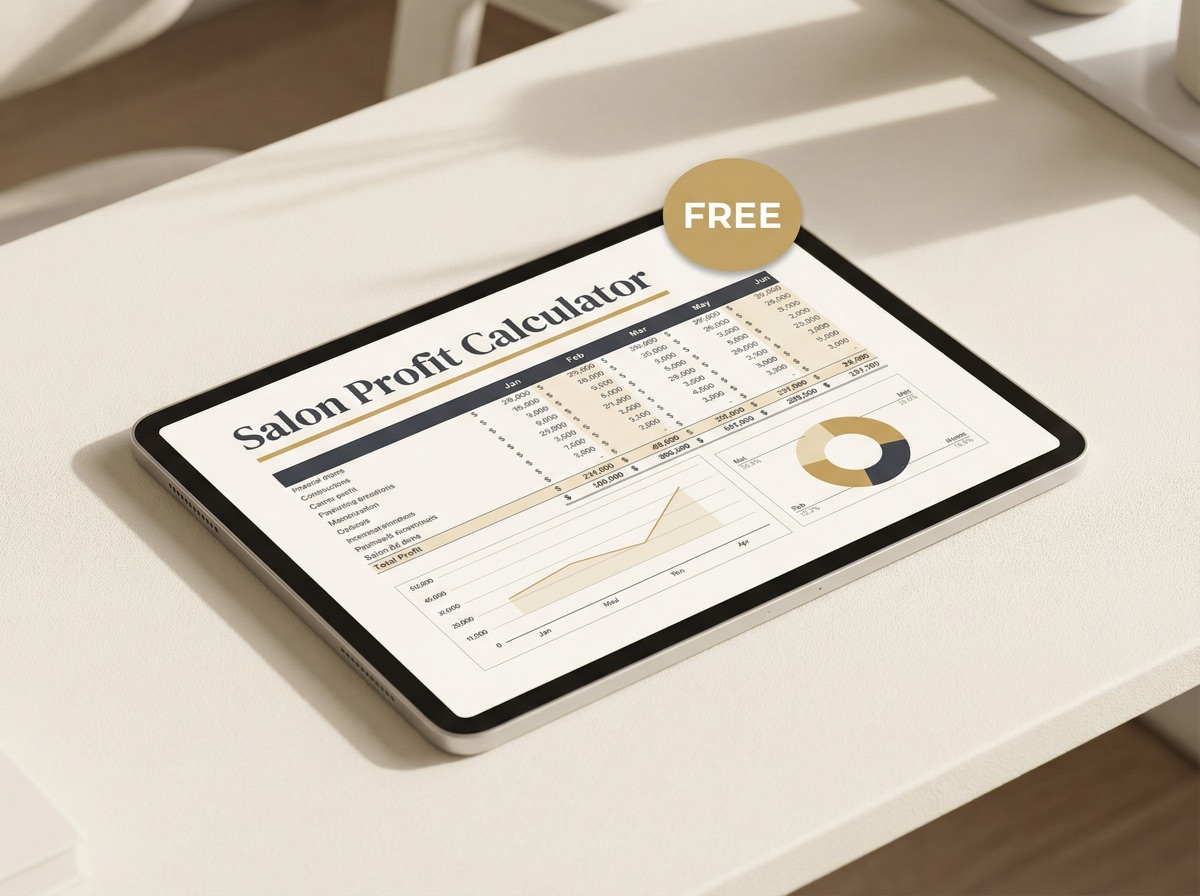
Written by Scott Farmer
Licensed Master Cosmetologist (GA & FL), former Toni & Guy Artistic Director, and founder of Hair Salon Pro. 30+ years behind the chair. 15,000+ clients. Building the business tools cosmetology school never taught. Currently behind the chair at scottfsalon.com in Venice, FL.